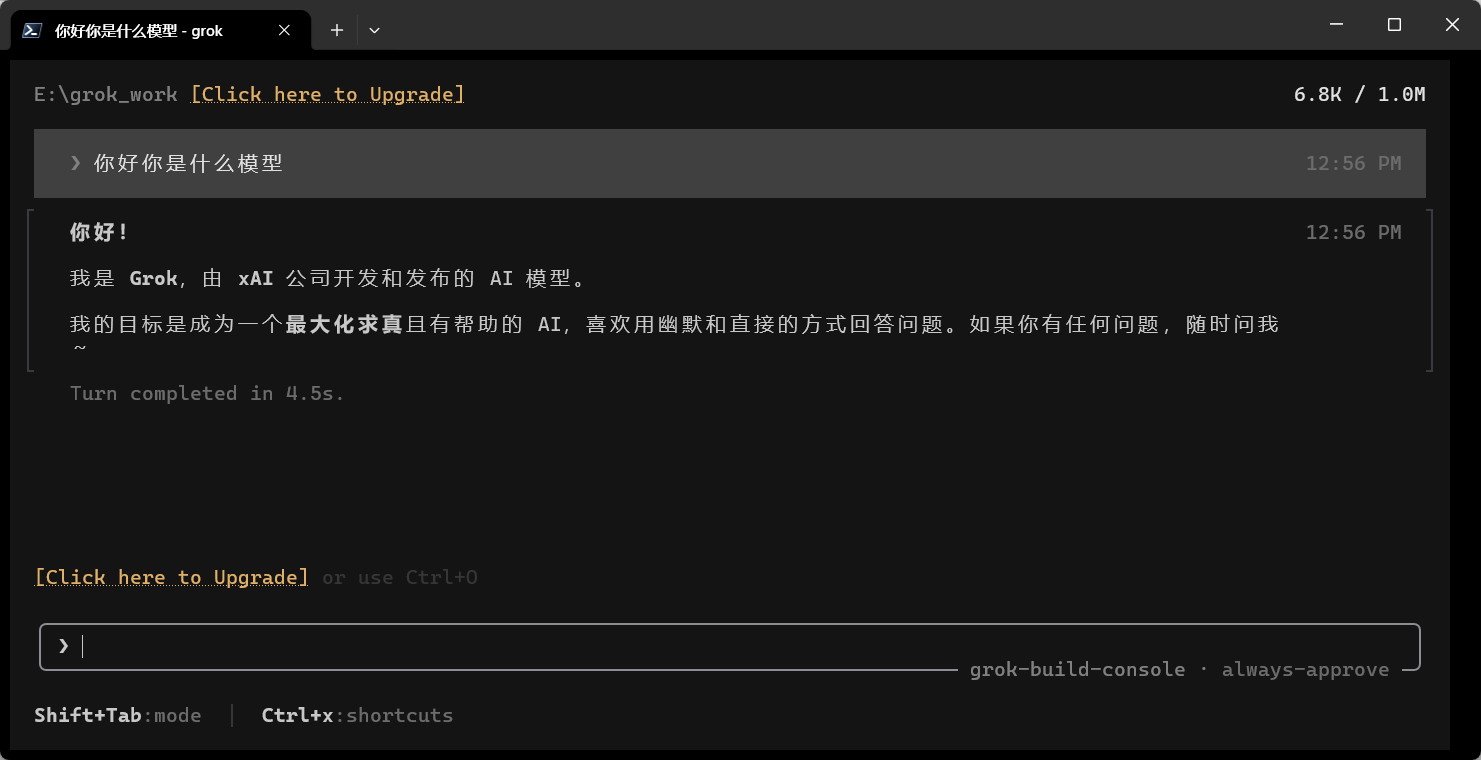
Usage guide
Install Grok Build
If you have a SuperGrok account, just run grok login in a terminal — you don't need grok build switch. This project is for people who need to switch between upstream providers at any time.
Grok Build Switch
1. Download and run grok_switch.exe
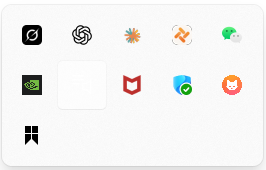
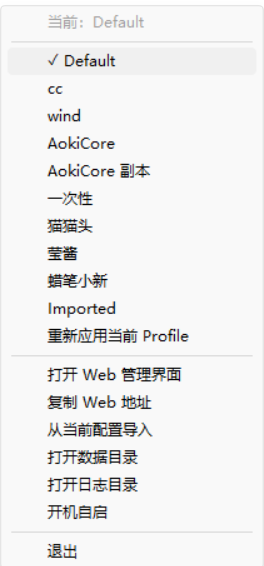
2. Open the local Web panel
3. Add a provider profile
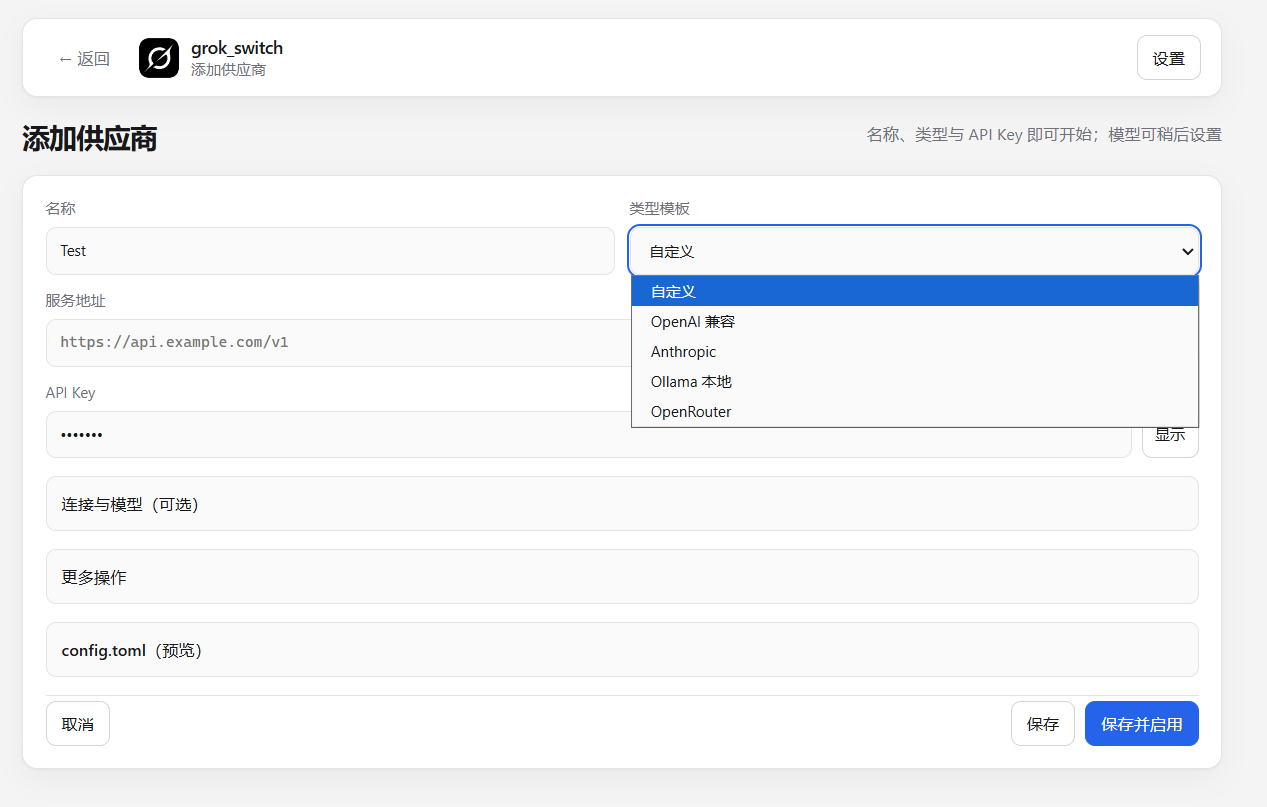
4. Fetch and enable models
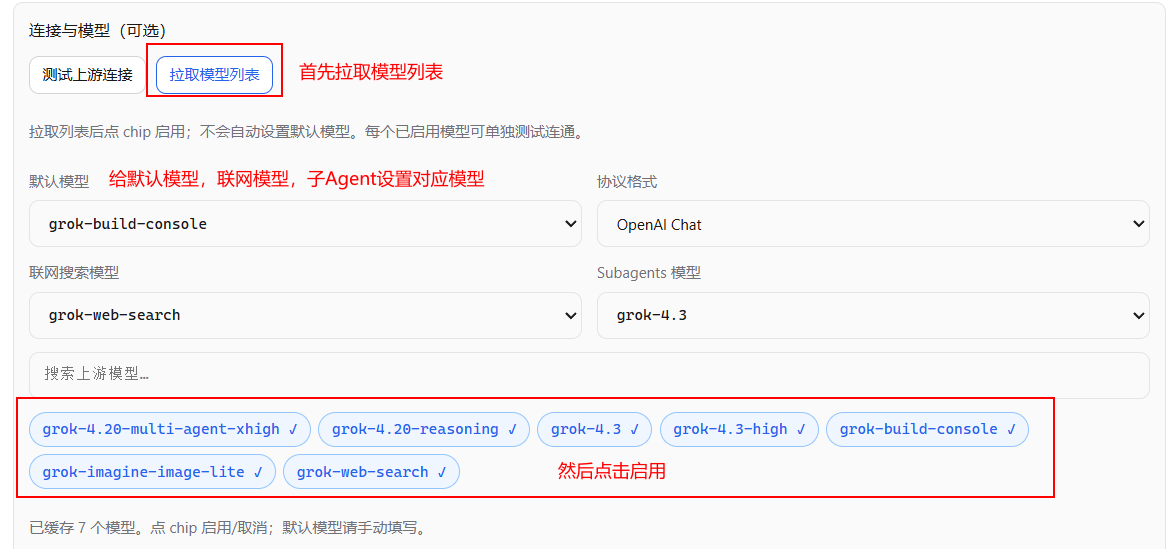
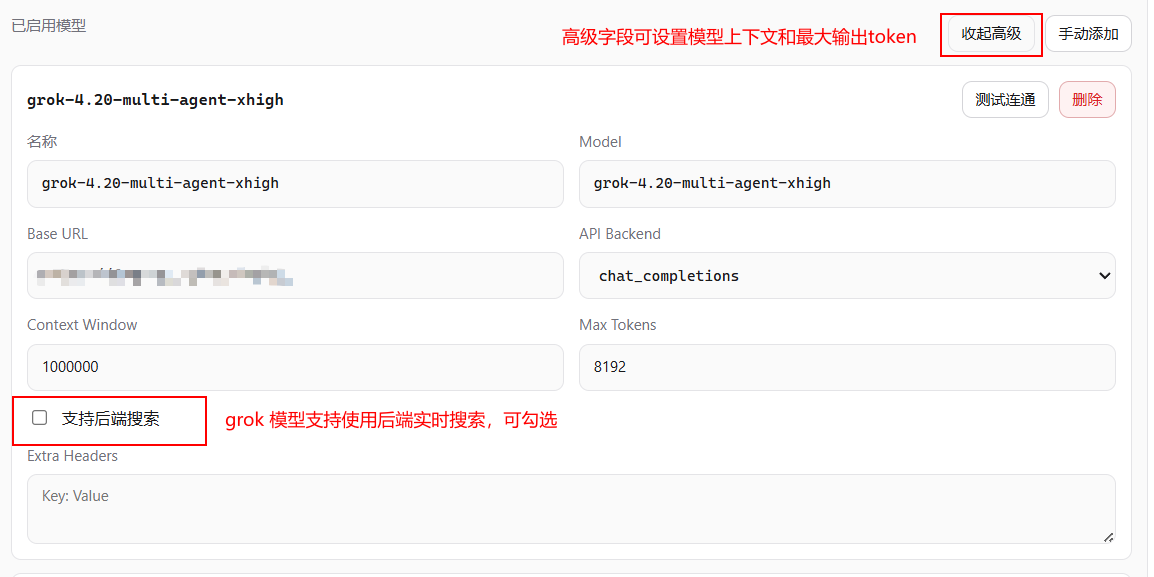
5. Save & activate the provider
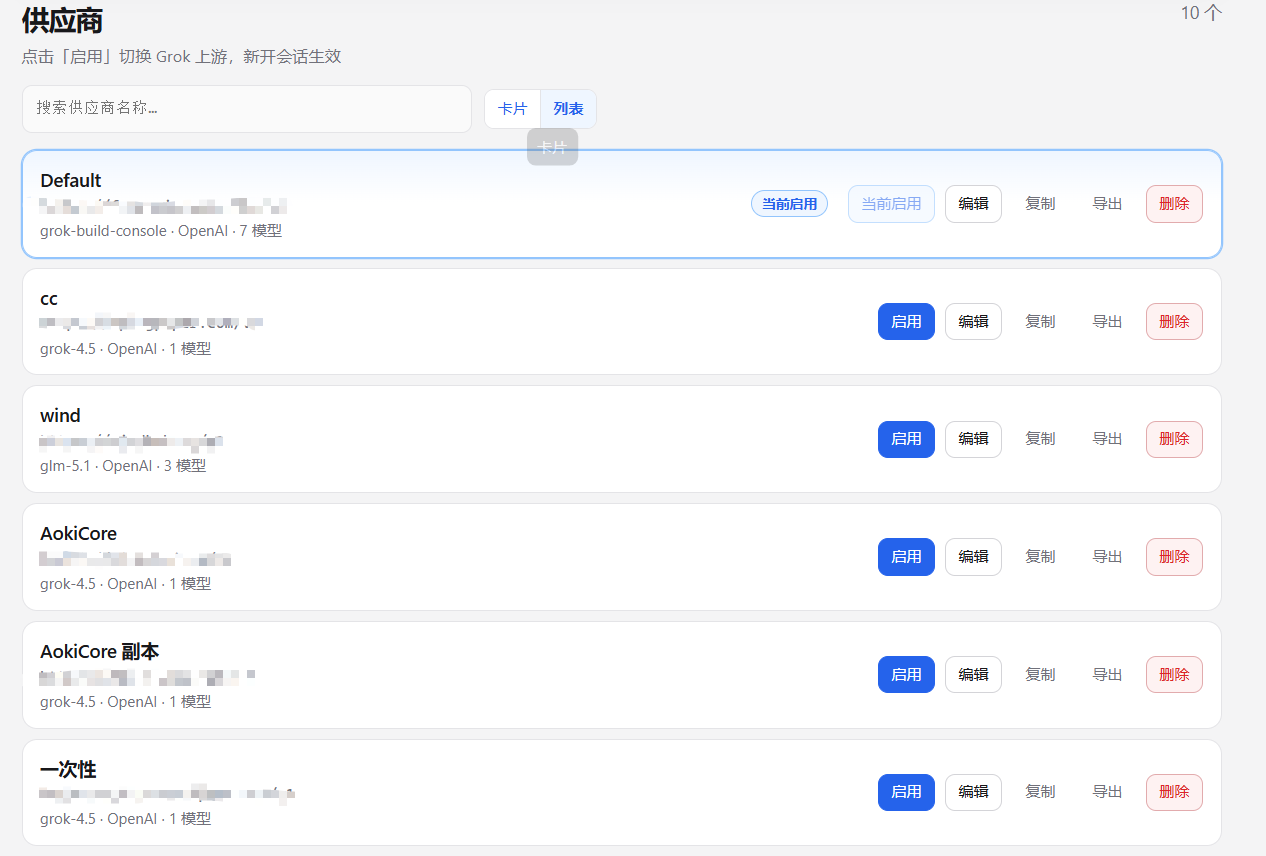
6. Verify the Grok CLI config took effect
Type grok in a terminal to start grok and ask a question